Planning tool · free
Pinterest content calendar
Consistency matters more on Pinterest than posting a lot at once. Enter your niche, the month and how many pins a week you can make, and get a four-week plan that mixes pin formats and puts seasonal pins in early enough to catch the next trend.
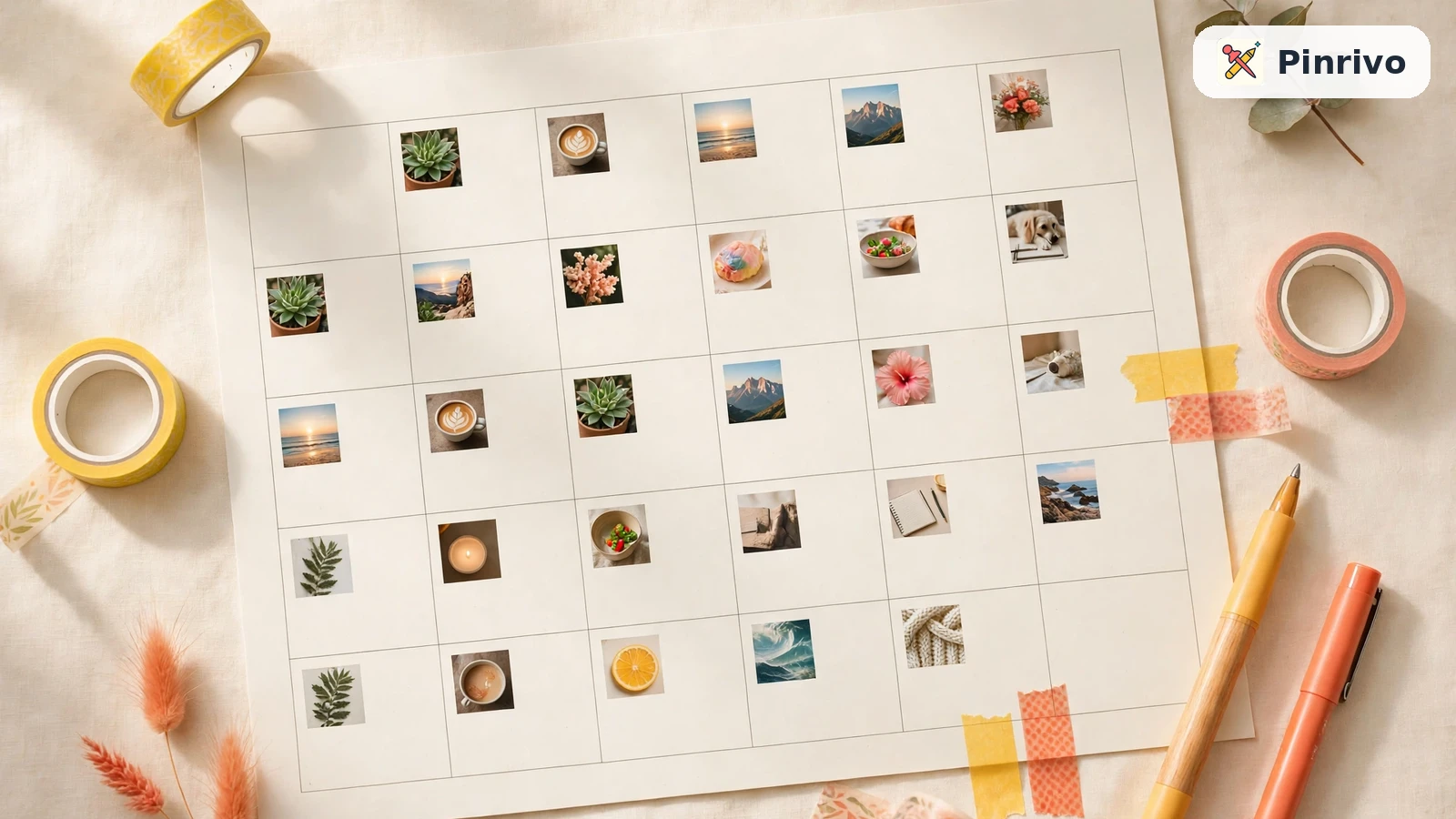
How to use the pinterest content calendar
- Enter your niche and the month you are planning.
- Choose a realistic number of pins per week; consistency wins.
- Download the CSV, then fill in a keyword for each pin with the keyword tool.
What goes into the plan
- Mixed formats: how-to, list, before and after, checklist, product, video, quote and infographic pins, so you learn which format your audience prefers.
- Seasonal pins early: every third pin targets next month's season, because Pinterest users plan ahead.
- Evergreen topics: beginner guides, mistakes, budget ideas and step-by-step pins keep working all year.
Once the plan is set, write titles with the title generator and schedule everything with the pin scheduler.
Questions
How many pins a week should I post?
As many as you can keep up for months. For most small accounts, 5 to 15 fresh pins a week is realistic.
Can I change the month theme ideas?
Yes. Download the CSV and edit it in any spreadsheet app.
Related tools
- Pinterest trending keywordsFind seasonal Pinterest keywords for this month and next. Pin 30 to 45 days ahead of trends with live search suggestions.
- Free Pinterest pin schedulerSchedule many pins at once for free. Spread your pins over days and times, then download a CSV for Pinterest's own bulk upload.
- Pinterest title generatorGenerate Pinterest pin titles that include your keyword and fit the 100-character limit. Ten fresh ideas every click.