Design tool · free
Pinterest collage maker
Collage pins are perfect for "10 ideas" posts, outfit roundups, product sets and before-and-after shots. Choose 2 to 6 photos, add an optional title, and download a ready 1000 x 1500 pin.
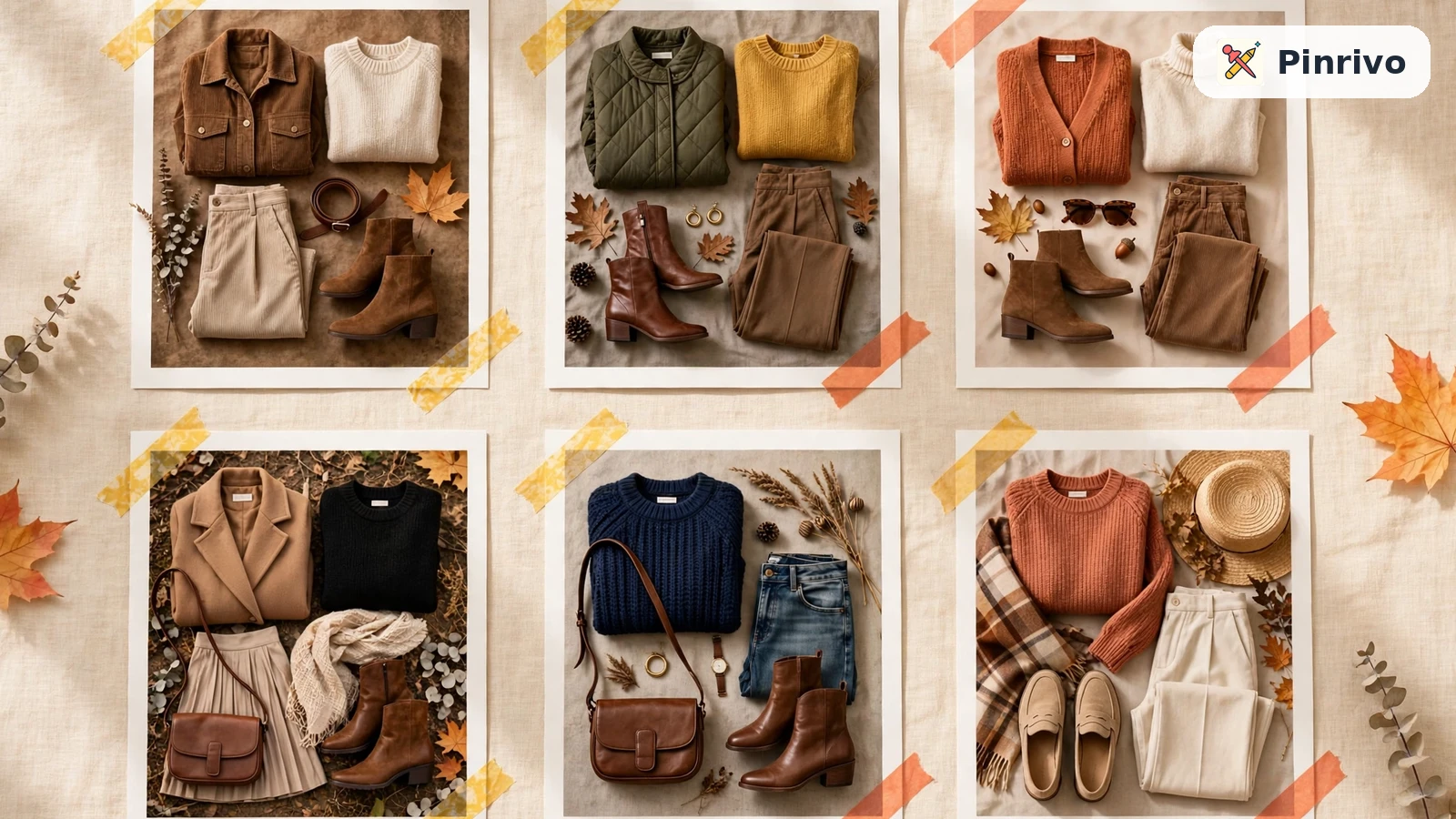
How to use the pinterest collage maker
- Select 2 to 6 photos at once (hold Ctrl or Cmd to pick several).
- Add a title if the collage needs one, and set the spacing.
- Press Make collage and download the PNG. Photos are cropped to fill their space neatly.
Collage pins that work
- Same subject, different examples. Six fall outfits, four kitchen layouts, three cake designs.
- Consistent light and color across the photos so the collage looks planned.
- A clear promise in the title, like "6 Cozy Fall Outfits", that matches the page the pin links to.
Pinterest's own collage feature vs this tool
Pinterest has a collage feature in its app for cut-outs from pins you've saved. That's great for mood boards, but it doesn't export a file. This tool makes a regular image you can publish as a pin linking to your blog or shop. For single-photo pins, use the pin maker; for the right sizes, see the pin size guide.
Your photos never leave your device; the collage is made in your browser.
Questions
How many photos can I use?
Two to six. More than six makes each photo too small to see on a phone.
Can I change the order?
Photos are placed in the order you select them. To reorder, select them again in a different order.
Related tools
- Pinterest pin makerMake a 1000 x 1500 Pinterest pin from your own photo and headline in seconds. Three layouts, eight color sets, free PNG download.
- Pin template generatorType a headline and get six different text-based Pinterest pin templates instantly. Download any of them as a 1000 x 1500 PNG.
- Pinterest image resizerResize any image to Pinterest sizes: standard 2:3 pin, square, long pin, video 9:16 or board cover. Crop to fill or fit with a background.